
Run your gym from ChatGPT, Claude, Grok, and more.
Connect Fitnito, then just ask.
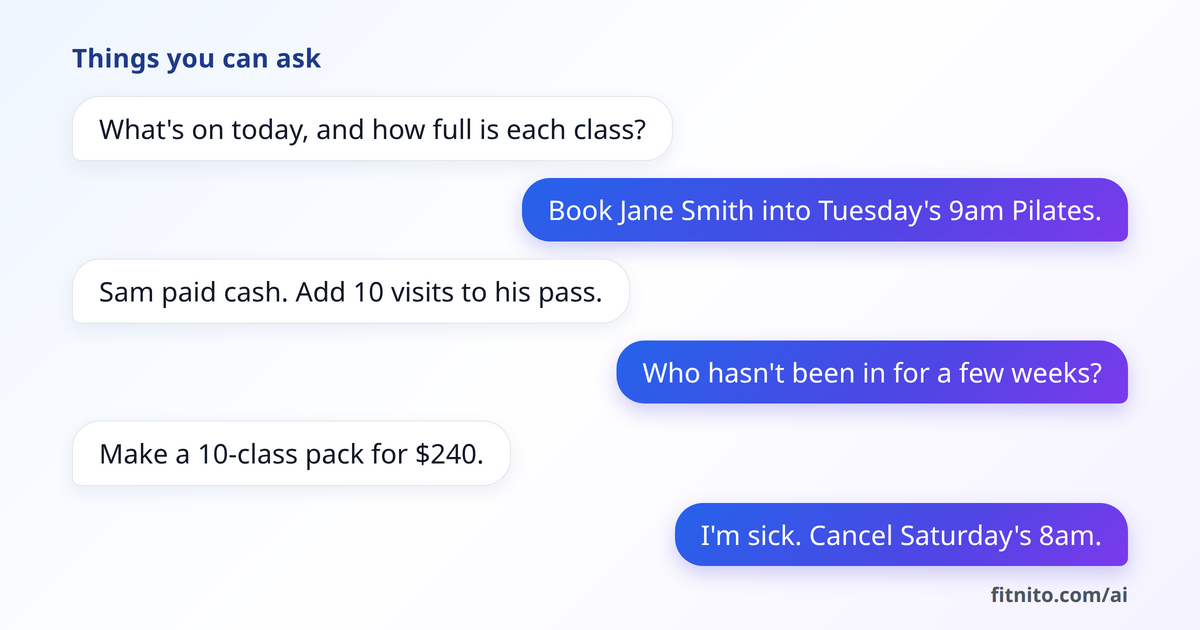
Things you can ask
- What's on today, and how full is each session?
- Book Jane Smith into Tuesday's 9am Pilates.
- Sam paid cash. Add 10 visits to his pass.
- Who hasn't been in for a few weeks?
- Make a 10-visit pack for $240.
- I'm sick. Cancel Saturday's 8am.
Connect your assistant
Paste this address when your assistant asks for it:
https://mcp.fitnito.com
Sign in with your Fitnito login, pick your gym, and choose Read only or Full access. That's it.
- ChatGPT
- In Settings, Apps, Advanced settings, turn on the switch that lets you add your own apps, then Create and paste the address. Booking needs Business, Enterprise, or Edu.
- Claude
- Customize, Connectors, Add, Custom. Name it Fitnito and paste the address.
- Cursor
- Customize, add a new server named Fitnito, paste the address.
- Grok
- grok.com/connectors, New Connector, Custom, paste the address.
- Muse
- Ask Muse to create a custom connector for Fitnito, and give it the address.
You stay in control
- It can only see and do what your login can in Fitnito.
- Pick Read only if you just want answers.
- Booking or dropping someone shows the visit cost first.
- Changing a plan shows the new price first. Fitnito tells it to ask you before it emails anyone or refunds a payment.
- From ChatGPT, Claude, and Muse it won't refund, change a member's plan, or give a member a pack.
- Disconnect any time in Settings, AI Agent Access.
Works like the Fitnito Assistant inside your console. Included on every plan, the free one too.
Get Started